Start from a Format Template
Always on
Choose Weekly Class, One-Day Workshop, Course, or Retreat first. Sensible options are pre-selected and advanced settings are tucked neatly under "(more options)".
Weekly Series & Add Term Dates
Always on
Define a recurring class (weekday, time, venue, teacher, capacity), then generate a whole term of dates at once—skipping holiday weeks and copying prices & questions automatically.
Retreat Rooms Guests Choose
Always on
Guests pick their room on the booking form (single, twin, dorm…), each with its own places left. Every room type has its own number of beds, and the room comes off the form when it's full.
Single Supplements & Twin-as-Single
Always on
Add a per-person extra for a room (e.g. £100 for a single), let a shared room be booked as a single, and offer that only once the single rooms are full. Guests can ask for priority if a single frees up.
Camping Places & Hidden Room Types
Always on
Offer camping places (one person each, no extra unless you set one), and hide a room type from the website while you wait for the venue, without deleting it.
Course Dates (Multi-Session Events)
Always on
Group multiple dated sessions inside one event (e.g. a 5-weekend training), each with optional labels, capacity, per-date reminders, and per-date check-in.
Full Course + Single Drop-In Dates
Switch (On)
Tick "Drop-in?" on a price option to sell individual drop-in dates right alongside the full course booking option.
Pick Your Dates (+ All-Dates Discount)
Switch (On)
Bookers tick the specific dates they can attend, with per-date capacity protection and an optional percentage discount if they select every date.
Timetable Home Page & "This Week" Bar
Always on
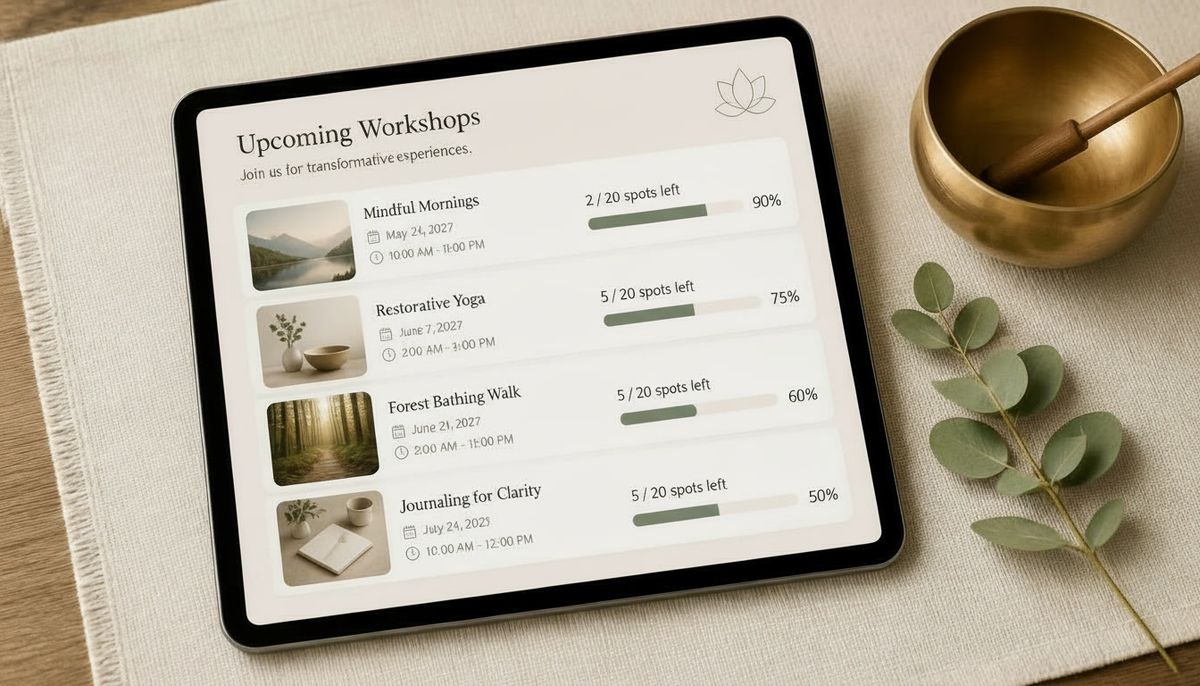
Displays a "This Week" card, compact rows with date chips for weekly classes, and dedicated showcase cards for one-off workshops, courses, and retreats.
Guaranteed Capacity Lock
Always on
Database-level locking makes overselling impossible. Optionally display "X places left" on each event page.
Single & Multi-Day Events + Map Links
Always on
Publish, draft, or cancel single-day or multi-day events complete with cover imagery, venue details, and map links.
Picture Gallery per Event
Always on
A main picture of any shape on the card and page, plus as many extra pictures as you like in a gallery underneath, with captions, in your order.
One-Click Duplicate Events & Questions
Always on
Copy selected events as drafts or copy booking questionnaires directly from an earlier workshop.
Full Website Pages & Contact Form
Switch (On)
Add About, Venue, and custom pages to your site menu alongside a built-in contact form so Book the Circle can serve as your complete website.
External Booking Links & JSON Event Feed
Always on
Point selected events to an external partner venue link, or use the cached JSON feed to display upcoming dates on another website.